Phones as room mics
Helping Consult hear a big table or a lecture hall.
Show transcript
- At a big table or in a lecture hall, phones can be extra room mics.
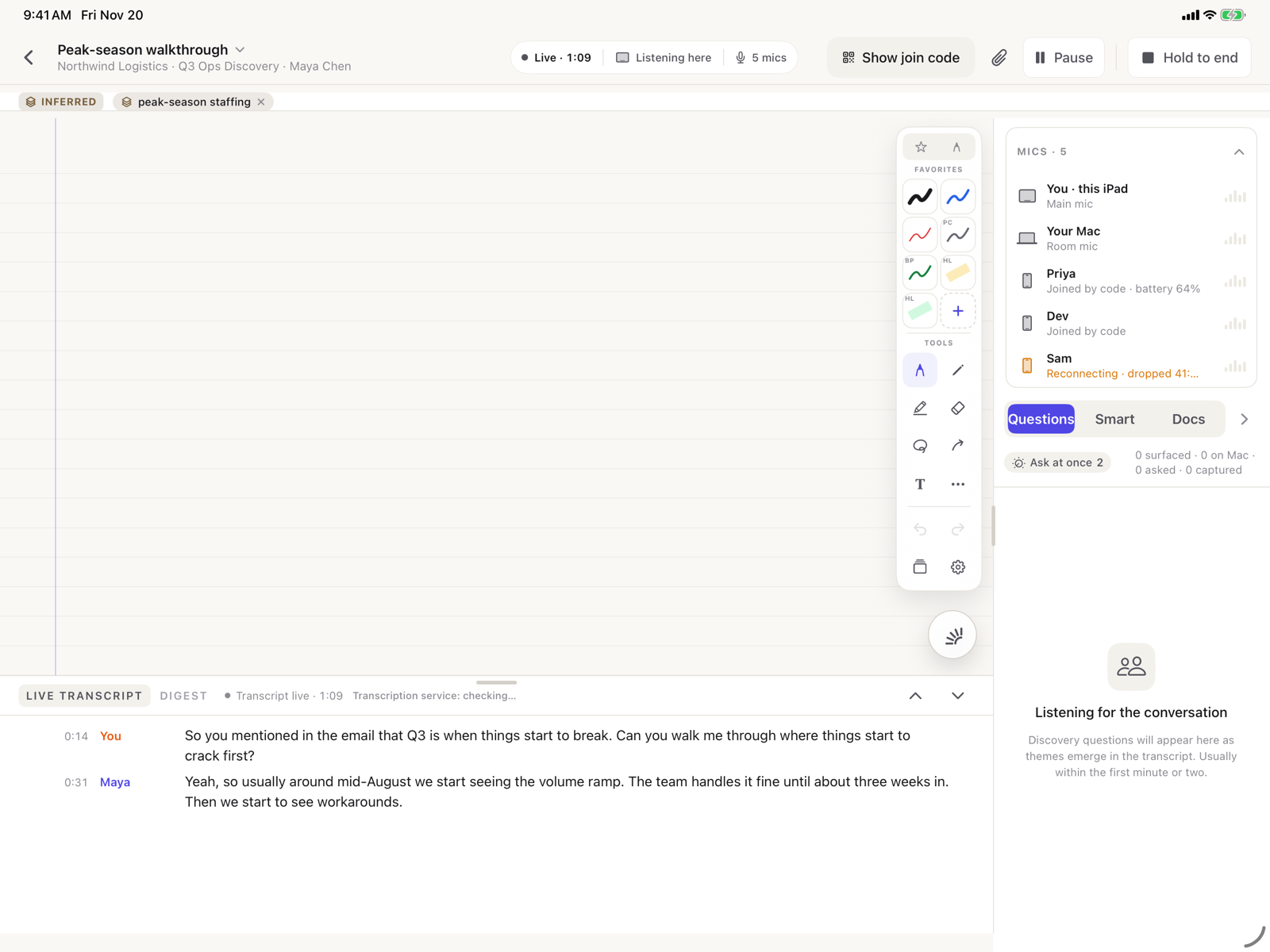
- On the iPad, tap Show join code. A QR code and a typed code appear.
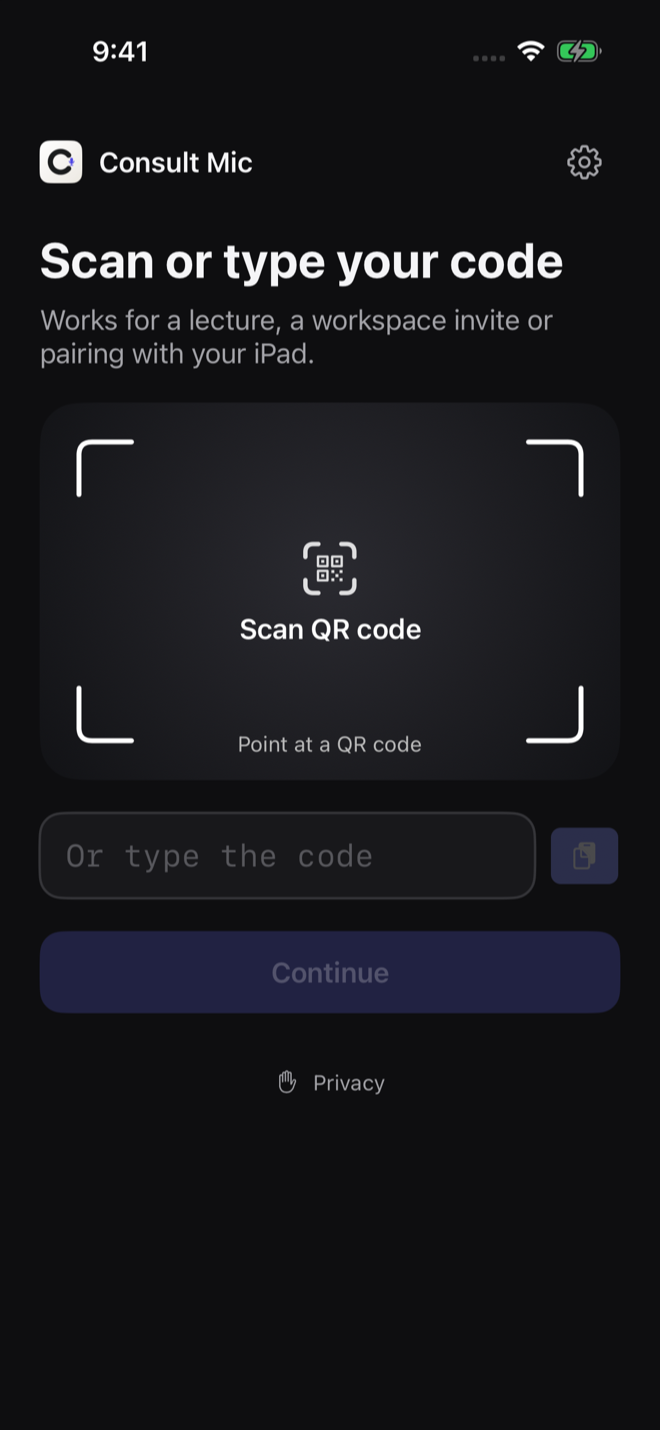
- On each phone, open Consult Mic. Scan the code, or type it in.
- Type a name, so the host knows whose mic is whose, and tap Join with microphone.
- The iPad counts the mics as they join. The mic map shows which one heard each stretch.
- Nothing is kept on the phones. Each stream stops when the meeting ends.
-
On the host's iPad
- Start the meeting or lecture on the iPad.
- Tap Show join code in the top bar. A QR and a typed code appear: Join this meeting or Join this lecture. Scan with your phone's camera. Your mic helps record this meeting.
- The screen shows n mics joined as phones come in. Recording continues while the code is shown.
-
On the phone
- Open Consult Mic. The first screen is Scan or type your code.
- Tap Scan QR code, or type the join code (it looks like
K7Q-4M) and tap Continue. - Type your name. It's Shown to the host so they know whose mic is whose.
- Tap Join with microphone. iOS asks for the microphone.
-
What the phone shows
- A title like You're a mic in course or You're a mic in host's meeting, and Streaming with a clock.
- The orange dot means the mic is on. You can lock your phone or use other apps. The mic keeps streaming.
- Tabs for Mic, Questions and Notes. These are read-only and show only what the host shares.
- Stop sharing my mic ends your part. It's the only control you need.
Your phone's mic streams to the host's device for this meeting only. Nothing is kept on this phone. The stream stops when you tap Stop sharing my mic, the host removes you, the meeting ends, or after four hours.
-
Lectures and lecture outlines
- Lectures are there if your workspace offers them.
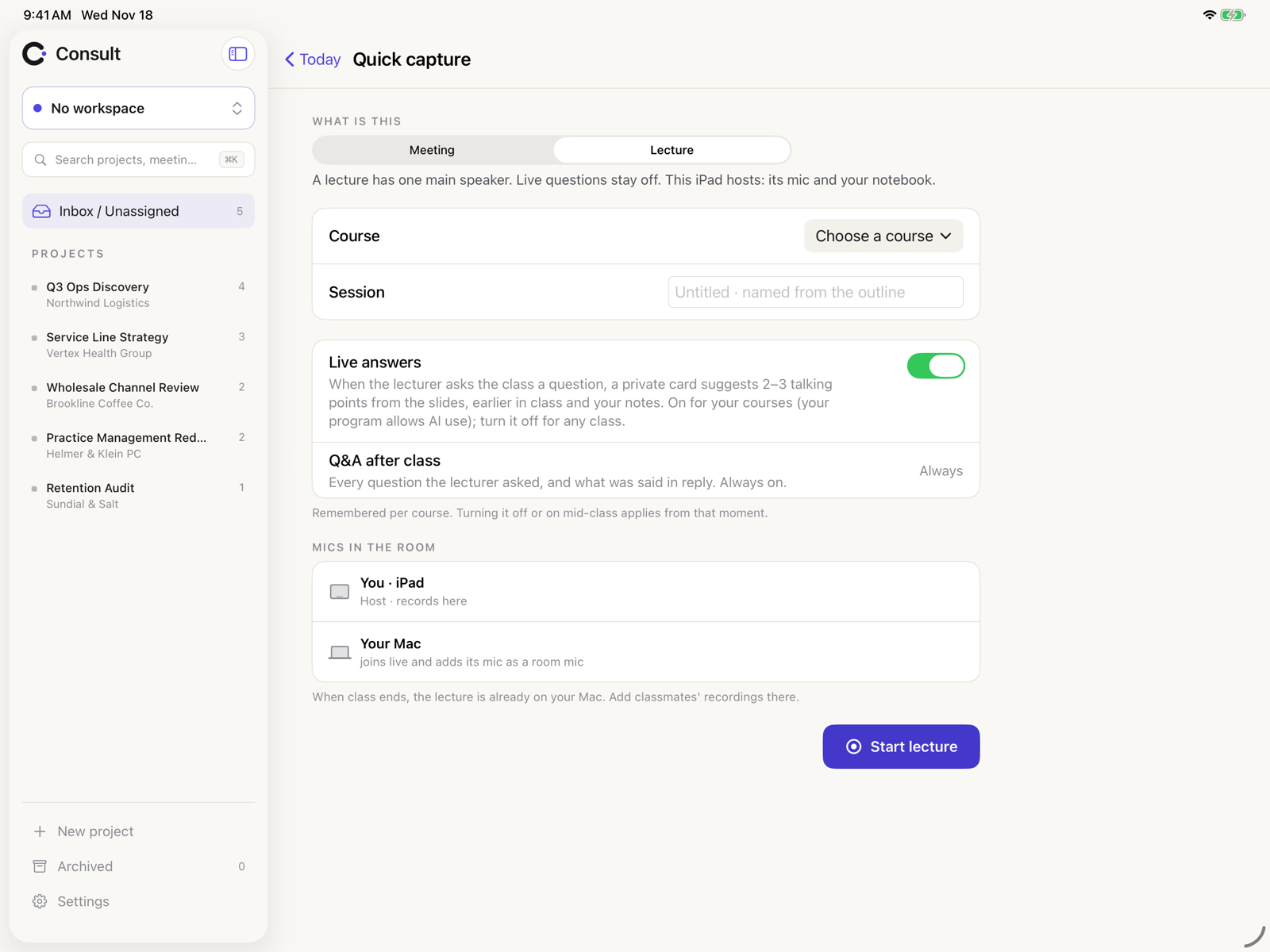
- Start a lecture: on Home, use Start Quick Capture, then the arrow, then Lecture. Pick the course. A lecture has one main speaker, and live questions stay off.
- Show join code: classmates join with their phones the same way.
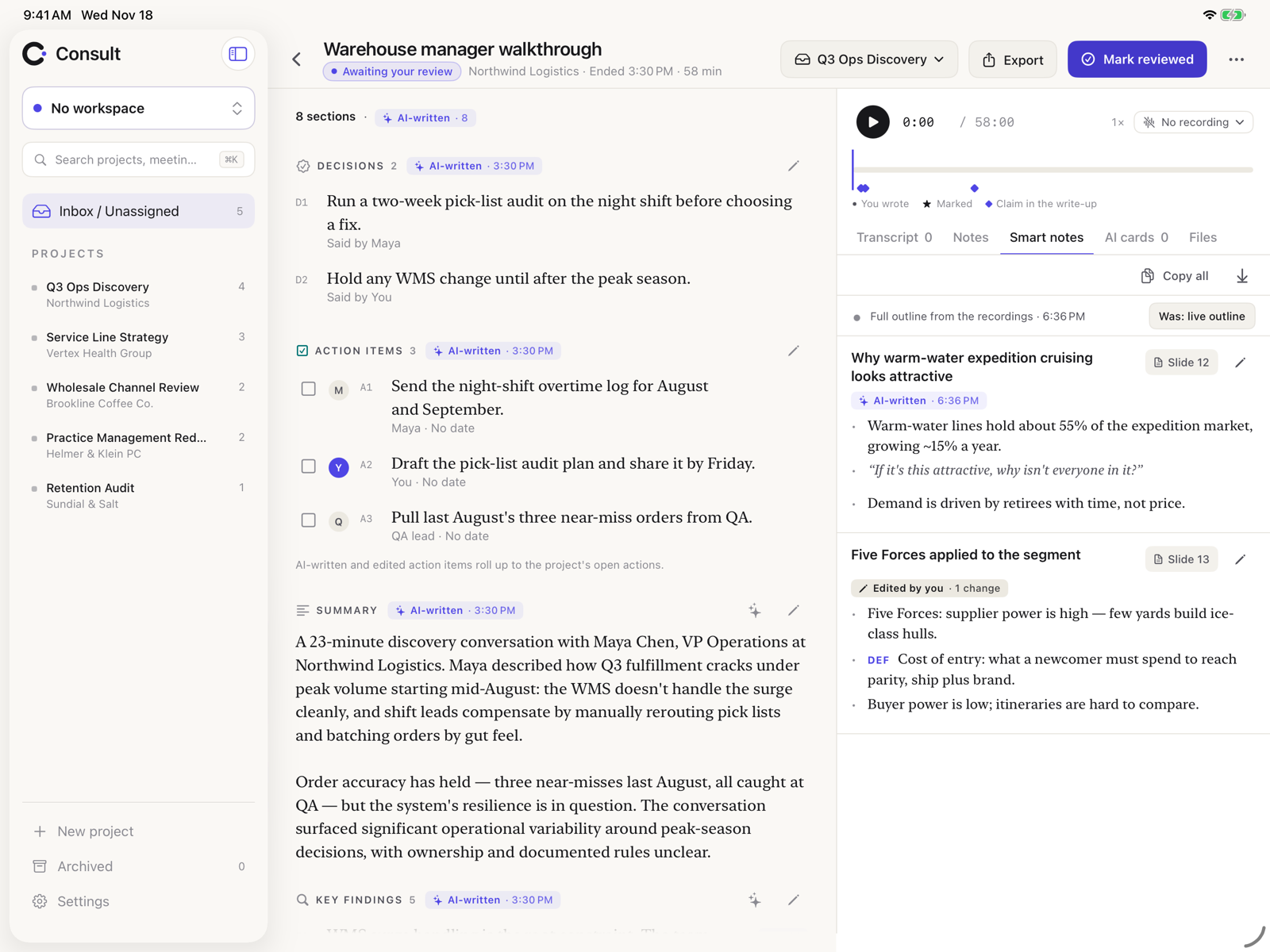
- Outline: with slides attached, the write-up follows the deck, one section per slide, with tags such as Key point, Definition, Example, Framework, On the exam, Assignment and Deadline. Phones can read the outline under Notes.
- Mic map: shows which mic heard each stretch. After class the lecture is rebuilt from the full recordings.
-
Your own iPhone
If Consult Mic asks Is this your iPhone?, pairing it lets you follow your own live meetings, keep or dismiss cards and see questions on the phone. It never listens or records on its own. Guests never need it.


